

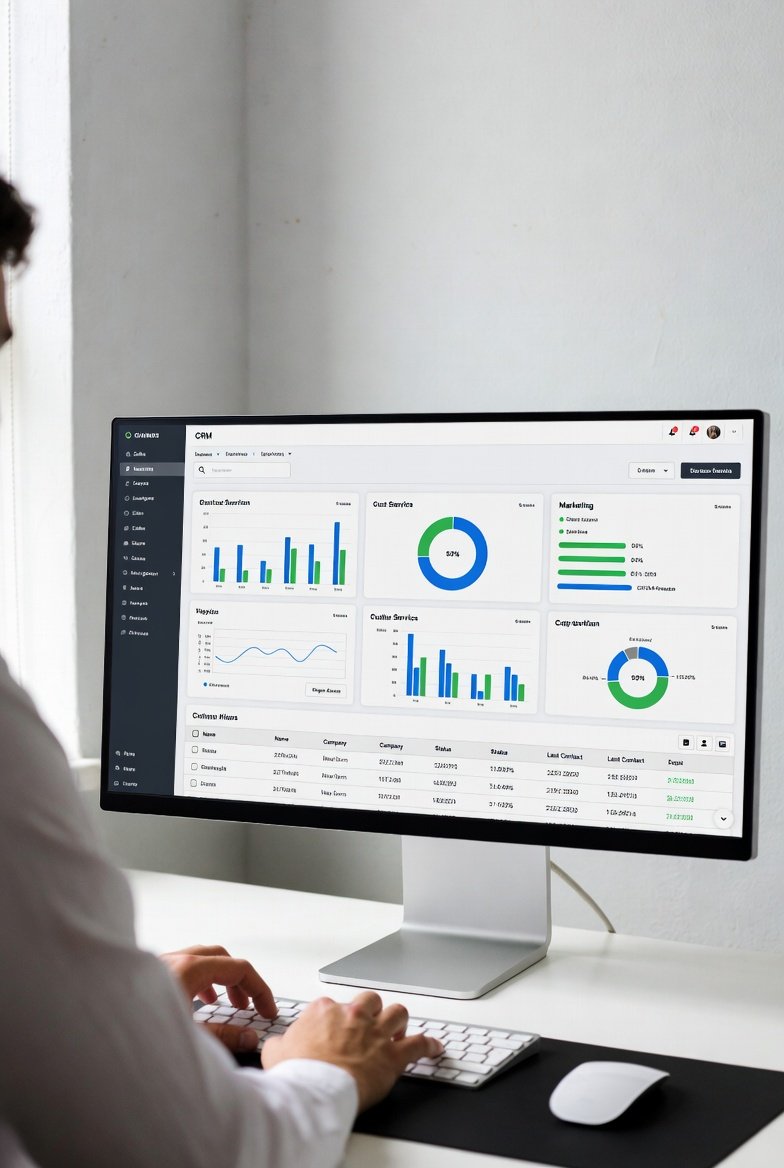
CRM vs Project Management
If you’re comparing CRM vs project management, you’re probably in one of these situations: leads are slipping, delivery is getting messy, or you’re trying to run everything in one tool and it’s starting to crack.
Modern software blurs the line—CRMs now include tasks, and project tools can store “clients.” But they’re still built for different jobs, and using the wrong one creates confusion fast.
If you need a refresher before comparing tools, start with what is CRM to understand what CRMs are actually designed to do.
Definition (snippet-ready):
CRM (Customer Relationship Management) software tracks customers, manages a sales pipeline, and enforces follow-up, while project management software plans and delivers work using tasks, deadlines, collaboration, and dependencies.
Decision Checklist: Do You Need CRM, Project Management, or Both?
Choose CRM if:
- you forget follow-ups or respond late
- you can’t see “what’s in pipeline” without guessing
- more than one person touches leads or deals
- you need lead source → conversion → revenue visibility
Choose Project Management if:
- deadlines slip and tasks fall through
- delivery has multiple steps and approvals
- work depends on timelines and dependencies
Choose Both if:
- you sell and deliver projects
- onboarding handoffs cause mistakes
- you manage 10+ active clients or jobs
Quick Verdict: CRM vs Project Management
CRM runs the customer pipeline (relationships, follow-up, revenue stages).
Project management runs delivery (tasks, deadlines, dependencies).
One-line verdict:
CRM is for external relationships and revenue; project management is for internal execution and delivery.
CRM vs Project Management Software (Clean Comparison)
CRM is optimized for:
- pipeline discipline
- follow-up enforcement
- customer history and forecasting
Project management is optimized for:
- delivery execution
- task coordination
- timelines and dependencies
To understand how CRM systems are structured behind the scenes, see CRM system architecture.
Where CRM and Project Management Overlap (and Where It Breaks)
Both tools may include:
- tasks and reminders
- notes and comments
- basic automation
- dashboards
Where CRM breaks if you use it as PM
- no real dependencies
- limited timeline planning
- complex delivery becomes hard to coordinate
Where PM breaks if you use it as CRM
- no real sales pipeline stages
- customer history scattered in task comments
- no follow-up enforcement or forecasting
Rule of thumb:
CRM wins when pipeline discipline matters.
PM wins when delivery depends on dependencies.
Real-World Examples
Example 1: CRM Improves Follow-Up Consistency
A service SMB enforced two rules:
- every deal has an owner
- every active deal has a next action
Result: follow-up consistency improved significantly because managers could see what was stuck.
Example 2: CRM → PM Handoff Reduces Onboarding Errors
A small agency connected closed-won deals to a PM kickoff template.
Result: onboarding mistakes dropped because delivery started with full context.
Example 3: The “Single Board” Trap
A startup tried to manage leads and projects in one task board. At scale, deals slipped because pipeline stages and follow-up rules weren’t enforced.
Lesson:
PM tools organize work. They don’t run the customer pipeline.

CRM → Project Management Handoff (Best Practice)
CRM handles (pre-sale):
- lead source
- pipeline stages
- qualification notes
- proposals and negotiation
Project management handles (post-sale delivery):
- kickoff checklist
- tasks and deadlines
- milestones and approvals
At closed-won, require:
- scope summary
- promised timeline
- key constraints
- main stakeholder
- kickoff date
This prevents the sales-to-delivery gap.
When All-in-One CRM + Project Management Works
All-in-one tools work best when:
- team size is small (1–10 users)
- delivery is repeatable
- dependencies are light
They usually fail when:
- sales pipelines get complex
- delivery needs advanced planning
- teams and integrations scale
If you’re evaluating combined tools, see best CRM with project management before committing.
Common Mistakes (and Fixes)
Mistake 1: Using PM as CRM
Fix: move pipeline and follow-up into a CRM.
Mistake 2: Using CRM as full PM
Fix: use a PM tool once delivery needs timelines and dependencies.
Mistake 3: Using both with no handoff
Fix: enforce required closed-won fields and kickoff templates.
To implement this cleanly, follow proper CRM setup and documented CRM implementation steps.
Decision Matrix (1-Line)
- Best overall: CRM + PM if you sell and deliver projects
- Best simple setup: CRM only if delivery is light
- Best execution: PM only if you don’t manage customer pipelines
FAQs
Can a project management tool replace a CRM?
Not fully. PM tools manage tasks and delivery, but they don’t enforce pipeline stages or follow-up discipline like a CRM.
Can a CRM replace project management software?
Only for simple delivery. Complex timelines and dependencies usually require PM software.
Which CRM works best with project management tools?
The one that supports clean ownership, required handoff fields, and reliable automation.
Can freelancers manage clients using only a CRM?
Yes, if delivery is simple. Add PM later as complexity grows.
Final Note
If your team is trying to force everything into one tool, step back and evaluate all-in-one CRM and project management platforms carefully—many teams outgrow them faster than expected.