
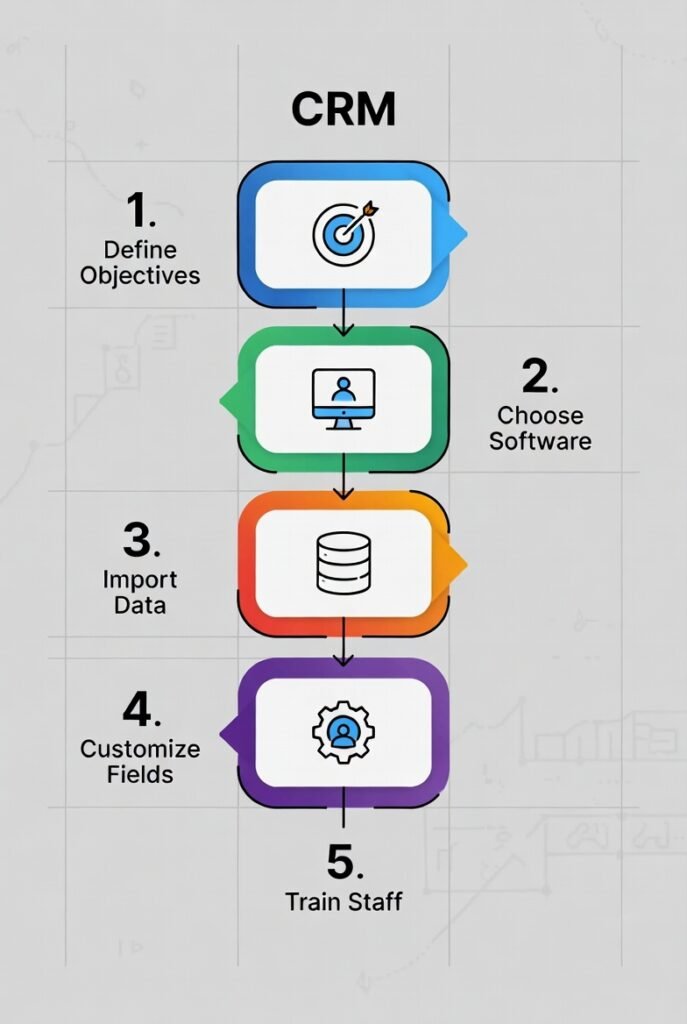
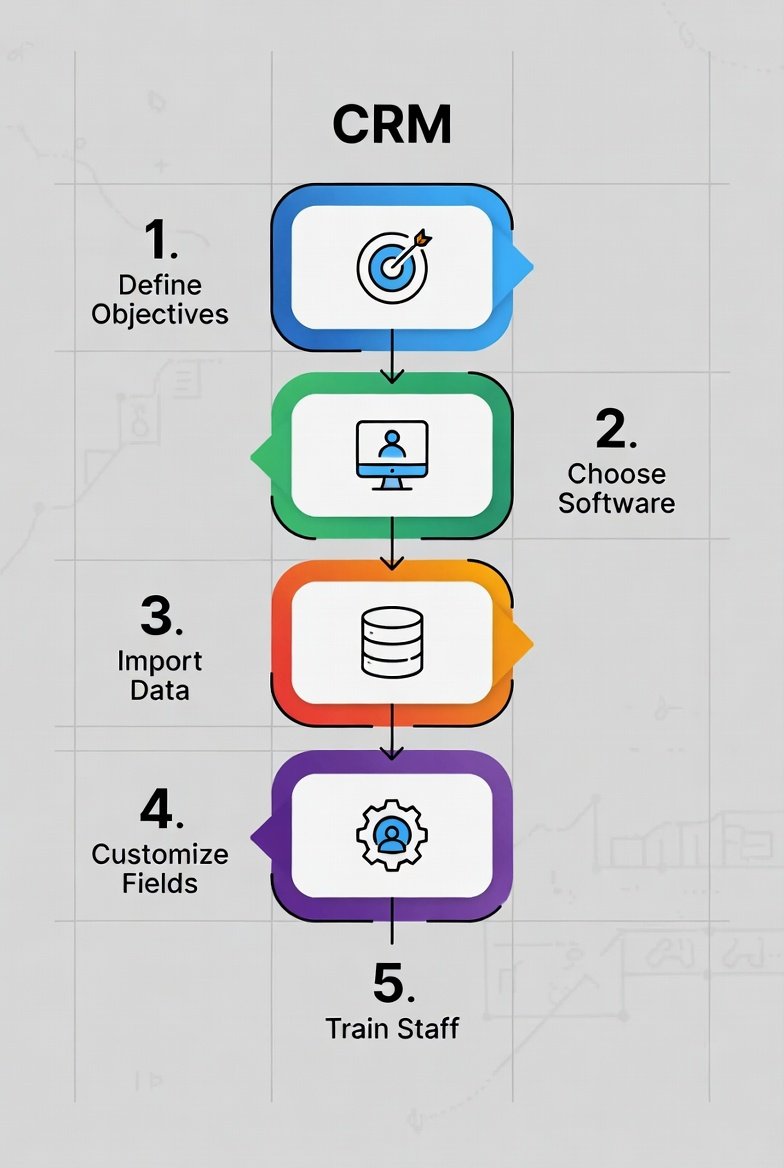
CRM Setup: Step-by-Step CRM Implementation Plan for SMBs & Service Teams
Introduction
If you searched “CRM setup” or “CRM implementation steps,” you’re not trying to become a CRM expert.
You’re trying to avoid the classic outcome: you buy a CRM, import contacts, create a pipeline—and three weeks later it’s half-used, the data is messy, and the dashboards don’t match reality.
A CRM task management is hard for one reason: it’s an operating habit system, not just software. Your results depend on:
- whether owners are clear
- whether stages mean the same thing to everyone
- whether next steps are consistently recorded
- whether onboarding triggers reliably
- whether reporting reflects what’s actually happening
This guide is a step-by-step CRM implementation plan built for SMBs and service teams—what to do, in what order, what to skip, and how to make adoption stick.
Project Snapshot: What a “Good” CRM Setup Looks Like
A clean SMB CRM project setup typically includes:
- 1 pipeline (first)
- 8–12 required fields (minimum viable dataset)
- 2 templates (onboarding + renewal)
- 3–5 automations that enforce crm hygiene
- testing with real scenarios (UAT)
- role-based training
- hypercare for 7–14 days
- a 30–60–90 adoption plan
If your setup tries to include everything on day one, you usually end up rebuilding it later.
Master CRM Setup Checklist (Copy/Paste)
Before Build
- Define the CRM’s job (one sentence)
- Name the CRM Owner and Data Owner
- List top 5 workflows (no more)
Build
- Create a 6–8 stage pipeline with definitions
- Create 8–12 required fields
- Set roles and permissions
- Build 2 templates (onboarding + renewal)
- Add 3–5 hygiene crm automations
- Configure email and calendar sync
Data
- Export all sources
- Dedupe and standardize formats
- Map fields (old → new)
- Test import (100–500 records)
- Full import and set old system read-only
Launch
- Run UAT with real scenarios
- Pilot team for 3–7 days
- Role-based training
- Go-live checklist
- Hypercare for 7–14 days
- Schedule 30–60–90 adoption reviews
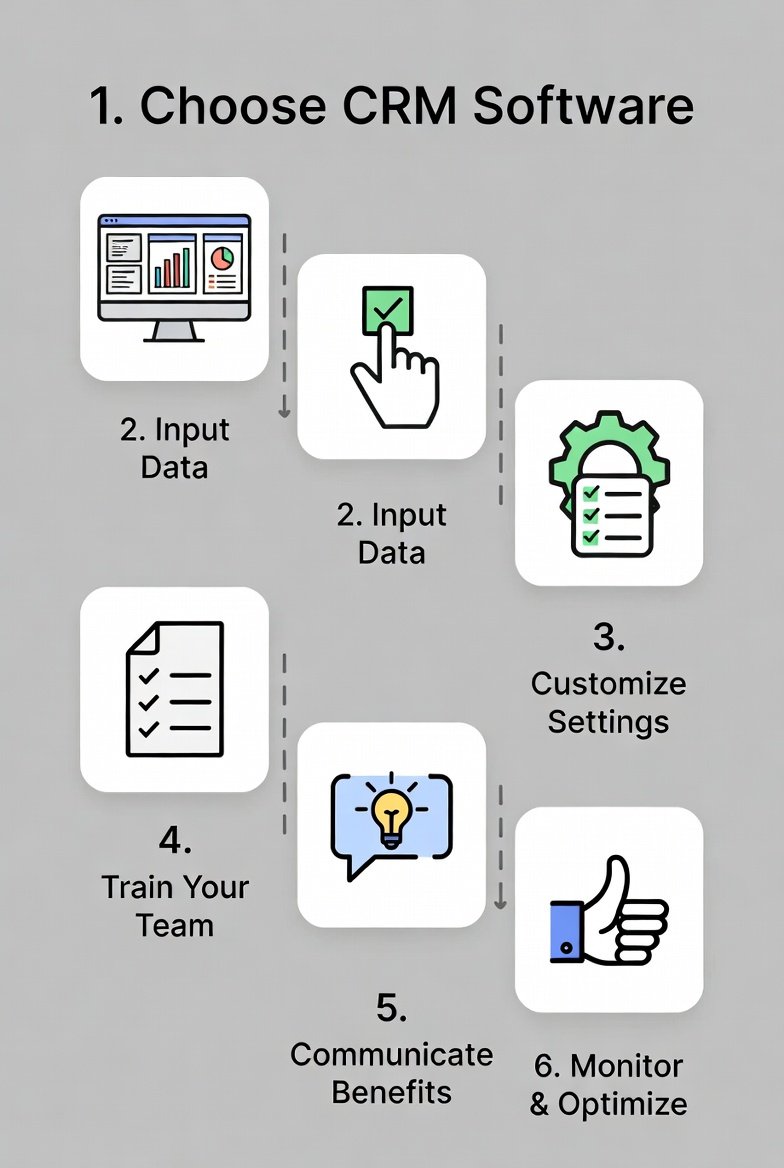
Week-by-Week CRM Implementation Timeline
Week 1 – Scope & Governance
Define CRM job, owners, workflows, success metrics.
Week 2 – Pipeline & Data Model
Build stages, required fields, stage rules, roles.
Week 3 – Templates & Automations
Create onboarding and renewal templates; add 3–5 automations.
Week 4 – Data Prep & Test Import
Dedupe, map fields, run test import.
Week 5 – UAT, Pilot & Training
Run UAT scripts, collect feedback, train by role.
Week 6 – Go-Live & Hypercare
Launch CRM, daily checks, backlog Phase 2 improvements.
Step-by-Step CRM Setup Plan
Step 1: Define the CRM’s Job
Write one sentence that explains what your CRM exists to do.
If you can’t say it clearly, your scope is too big.
Step 2: Assign Ownership
Minimum roles:
- Sponsor
- CRM Owner (decision maker)
- Data Owner
- Sales or CS Lead
If no one owns the CRM, it becomes optional.
Step 3: Pick the Top 5 Workflows
Do not map edge cases. Map what happens most often:
- Lead capture → assignment
- Stage progression → next steps
- Proposal → follow-up
- Deal won → onboarding
- Renewal → retention
Step 4: Design a Simple Pipeline
Limit to 6–8 stages max.
Stages must have clear definitions or reporting breaks.
Step 5: Build the Minimum Viable Data Set
Examples of required fields:
- Owner
- Deal value
- Next step date
- Lead source
- Service type
- Client status
If a field isn’t required, it will be skipped.
Step 6: Clean Your Data Before Import
Migration is cleanup + mapping + testing—not copy/paste.
Do this first:
- Decide source of truth
- Set dedupe rules
- Standardize company names
- Confirm owners
- Create mapping sheet
Step 7: Migrate in Two Steps
- Test import (100–500 records)
- Verify stages, owners, links
- Full import
- Set old system to read-only
Skipping test import causes week-2 disasters.
Step 8: Build Templates
Start with:
- New client onboarding checklist
- Renewal / retention cadence
Templates remove “what happens next?” confusion.
Step 9: Add 3–5 Hygiene Automations
Examples:
- Auto-assign new leads
- Remind when next step is missing
- Trigger onboarding on deal won
- Overdue task reminders
- Renewal reminders
Too much automation early creates chaos.
Step 10: Set Roles & Permissions
Even small teams need clarity:
- Admin
- Sales
- Ops / CS
- Read-only
Permissions are critical if contractors or clients are involved.
Step 11: Run UAT (User Acceptance Testing)
Test real scenarios:
- Create lead
- Move stages
- Enforce required fields
- Trigger onboarding
- Check dashboards
If spreadsheets are needed, the setup isn’t ready.
Step 12: Train by Role
Train on daily workflow, not features.
- Sales: pipeline + next steps
- Ops/CS: templates + handoffs
- Managers: dashboards + reviews
Go-Live Hypercare (7–14 Days)
Daily checks:
- Unassigned leads
- Missing next steps
- Overdue tasks
- Stuck deals
- Missing required fields
Most adoption failures appear in week 2.
30–60–90 Adoption Plan
First 30 Days
Stabilize usage and fix friction.
60 Days
Improve dashboards and automation.
90 Days
Scale to new workflows or teams.
Common CRM Setup Mistakes
- Overbuilding on day one
- Importing dirty data
- Too many automations
- No ownership
- Training once
Fix these and most CRMs succeed.
FAQs
How long does CRM setup take for SMBs?
Usually 2–8 weeks plus 30–90 days of adoption.
What’s the minimum setup for small teams?
One pipeline, 8–12 fields, two templates, three automations.
Can we sell during migration?
Yes—use controlled cutover and avoid running two systems.
Conclusion
CRM setup succeeds when it’s staged, owned, and simple.
If you follow:
scope → pipeline → fields → clean data → templates → limited automation → test → train → hypercare → adoption plan
your CRM becomes an operating system—not a tool people avoid.